Google Maps AI calls: what owners need to know
Google Maps AI calls are here in the US. Ask Maps can phone your business to find open slots. What the call is, how to prepare, and how to opt out.
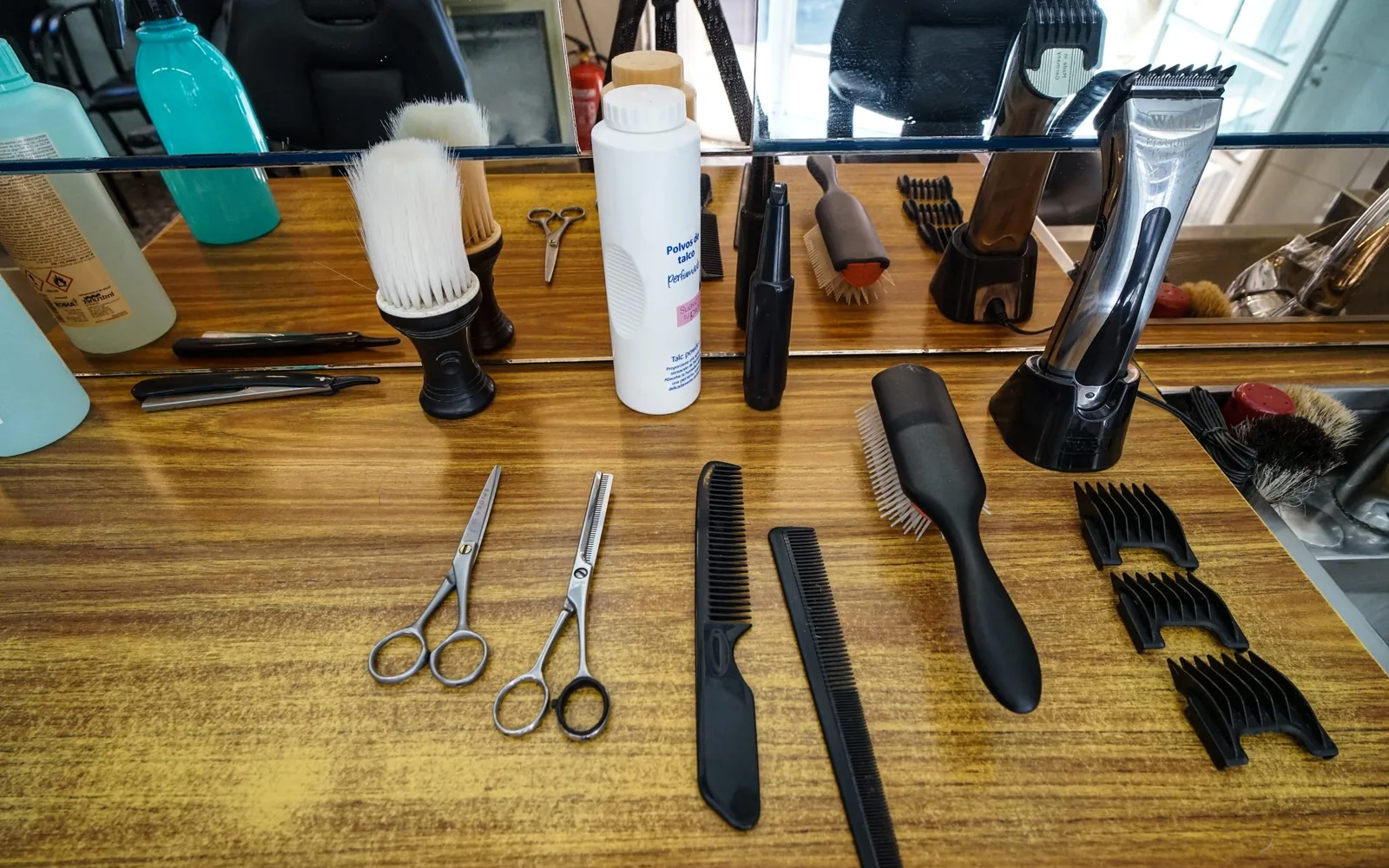
Google Maps AI calls are now real for some businesses. In a post on Nov 16, 2026, Google said Ask Maps, the AI helper inside Google Maps, can "call local businesses for you." It checks what's online first, then may phone a business to find an open appointment for a customer. If you take bookings by phone, your business may be on the other end of that call.
The short version
- Where: US only for now. Finding appointments is "launching first in the U.S., with more regions coming soon," and calling "varies by state." If you're in Israel, this doesn't reach you yet, but it's worth knowing what's coming.
- What: a customer asks Maps for something like a grooming slot. Maps looks online first, then may call you.
- What you can do: keep your online booking, hours and services accurate, and choose whether to allow these calls in your Google Business Profile.
Google Maps AI calls: what Ask Maps does
Google's own help page, Use Ask Maps to check local availability and pricing, explains it plainly. Ask Maps gathers information online, completes forms, or calls businesses "for specific details unavailable online." Google's examples include "finding open appointment slots" and "Pet grooming near me."
The call only happens when details are missing. In Google's words: "If a business listed on Google Maps doesn't have specific details online, such as appointment availability or current inventory, Google can call them to get answers for you."
The customer stays in control. They choose whether Maps may call, and they can type "don't call" to keep it to online searches. If they allow calls, "only the details you shared and confirmed will be provided to businesses." Google says it calls only for the specific information requested, "keeping interactions brief, professional, and focused." Call results can take up to 30 minutes to reach the customer.
Google's announcement names the categories: Ask Maps can "find beauty, pet care, auto and home repair appointments online." Its example is "Find me a 4 p.m. nail appointment near me." Ask Maps then shows open slots at nearby businesses, so the customer can choose what to book. Google doesn't say Ask Maps makes the booking itself.
Here is what Google's pages say, and what they leave open:
| Question | What Google says |
|---|---|
| Where does it work? | US first, "with more regions coming soon." Calling "varies by state." |
| Who can use it? | People 18 or older, signed in to the Google Maps app, in English |
| When does it call? | When appointment availability or other details aren't online |
| Are calls recorded? | "These calls are monitored and recorded for quality assurance." |
| Can a business opt out? | Google points owners to a Business Profile setting (see below) |
| Does Maps book for the customer? | Not stated. The customer chooses what to book |
How to make sure the AI gets the right answer
The easiest call to handle is the one that never happens. If your open slots and details are online, Maps can find them without phoning you.
Turn on online booking. Google lets you add booking links to your Business Profile, up to 10 per category, for actions like booking an appointment. You can also set up bookings through a provider that works with Reserve with Google. Google notes the provider might charge you, and that providers show up on your profile "within a week."
Keep your hours exact. In your profile you can set main hours, special hours for "holidays or special events," and separate hours for specific services (Google's guide to business hours). With the holidays close, now is a good time to check them.
List your services clearly. Your profile can link to a list of services. Plain names a customer would actually say ("nail appointment", "full groom") are easier for anyone, person or AI, to match. If you want help tidying your profile and the website behind it, that's part of our website work.
Brief whoever answers the phone. For example, a dog groomer in Texas could tell the front desk: if Google calls asking about openings, give the real next slots, keep it short, and don't take payment details. Google's help also warns that a caller asking for money to keep your business on Google is not from Google.
How to control or opt out of Google's automated calls
Google gives business owners a switch for its automated calls. Google's Ask Maps help page sends business owners to About automated calls and texts from Google to your business. That page covers calls made "when customers use Google Search or Maps" for requests such as "Booking appointments."
To opt out:
- Go to your Business Profile. You must verify your business first.
- Select More, then Business Profile settings, then Advanced settings.
- Under "Google automated calls and text messages," turn off "Bookings and inquiries from customers."
The same section has two other switches: "Keep your profile up to date" and "Post to your profile on your behalf." You can also just tell the caller, "Please stop calling my business." Google adds that after opting out, "you may still occasionally get manual calls from Google to confirm your business information."
To be clear about the gaps: the Business Profile page doesn't mention Ask Maps by name. We know it applies here only because Google's Ask Maps page links to it for "managing these automated calls." The same page lists five US states where its calls aren't available (Indiana, Louisiana, Minnesota, Montana and Nebraska), while the Ask Maps page only says availability "varies by state." Google hasn't said whether those lists match.
Should you opt out? Think about your phone. If missed calls already cost you bookings, these calls are customers you'd otherwise lose. If your line is flat out, online booking plus an opt-out may serve you better. Customers can also reach you through other Google channels; we cover one in our post on Google Business Profile messaging.
What to do next
- If you're in the US, open your Business Profile today and check the "Bookings and inquiries from customers" setting. Decide on purpose.
- Add a booking link or a Reserve with Google provider, so Maps can find openings without calling.
- Check your holiday hours and service list before December.
- If you're in Israel, do the same profile clean-up anyway. It helps human customers now, and Google says more regions are coming soon.
- For more on what Google is building for small businesses, see our guide to Gemini's business hub.
If you'd like a hand getting your Google profile and booking setup ready, we're glad to help. Book a call
Questions
Can Google Maps call my business?
Yes, in the US. Google's Maps help says that if a business listed on Google Maps doesn't have details like appointment availability online, Google can call it to get answers for the customer. Availability of the calling feature varies by state.
Does Ask Maps book the appointment for the customer?
Google's announcement says Ask Maps shows open slots at nearby businesses so the customer can choose what to book. Neither that post nor Google's help page says Ask Maps makes the booking itself.
How do I stop Google's automated calls to my business?
Verify your Business Profile, then go to More, Business Profile settings, Advanced settings. Under "Google automated calls and text messages", turn off "Bookings and inquiries from customers". You can also tell the caller "Please stop calling my business." Google's Maps help sends business owners to this page for Ask Maps calls, but the page itself doesn't name Ask Maps.
Are the calls recorded?
Google's Business Profile help says these calls are monitored and recorded for quality assurance.
Is this available in Israel?
Not yet. Google's help page says the Ask Maps calling feature is for people located in the US, using English. Google says finding appointments is launching first in the U.S., with more regions coming soon.